Product Categories
- > Digital Textile Printer
-
- Fedar Sublimation Textile Printer
FEDAR FD61916E Sublimation Printer FEDAR FD1924 Sublimation Printer FEDAR FD1912S Sublimation Printer FEDAR FD61915E-A Sublimation Printer FEDAR FD5198E Sublimation Printer FEDAR FD51915E Sublimation Printer FEDAR FD53215E Sublimation Printer FEDAR FD61915E Sublimation Printer FD6198E 8 Heads Printer FD6194E 4 Heads Printer FD5194E 4 Heads Printer FD5328E 3.2m Printer FD5193E 3 Heads Printer FD5268E 2.6m Printer FD1900 2 Heads Printer
- Fedar DTF Printer
FD11308 DTF Printer FD1808 DTF Printer FDA3 Pro DTF Printer A3 DTF Printer FDA3 DTF Printer FD70-5 DTF Printer FD60 DTF Printer FD70-4 DTF Printer
- Aulane DTF Printer
Aulane AL2808 DTF Printer Aulane AL2606 DTF Printer Aulane AL2604 DTF Printer Aulane AL2602 DTF Printer Aulane AL2302 DTF Printer Aulane AL2301 DTF Printer
- Fedar Sublimation Textile Printer
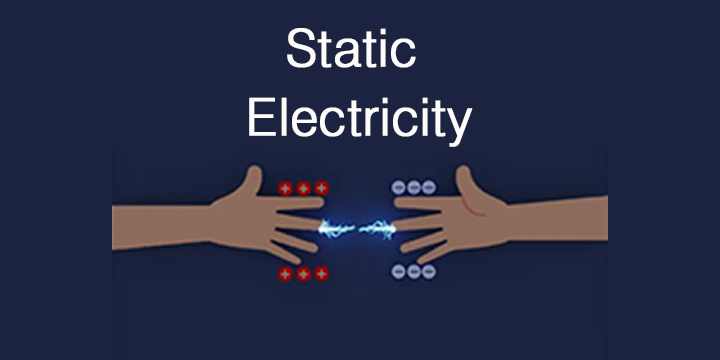
Beware of static electricity, the dangers cannot be underestimated!
2023-12-071. Correct grounding wire
Use the ground wire to conduct timely discharge of static electricity generated by the equipment.
2. Control humidity
In winter, heating or air conditioning is usually turned on indoors, which can easily increase the dryness of the room. The optimal working environment humidity of digital textile printers is 35%-65%. At this time, it is recommended that users turn on the humidifier to increase the air humidity when turning on the air conditioner.
3. Control printing speed
Different printing materials do not mean faster printing speed is better. The faster the printing speed, the higher the probability of static electricity in the digital textile printer. Therefore, everyone should choose a suitable printing mode when printing to prevent excessive static electricity.
The above are some ways to prevent excessive static electricity in digital textile printers. Eliminating static electricity in advance can keep the digital textile printer in optimal working condition at all times and create more benefits.